Creating a Course
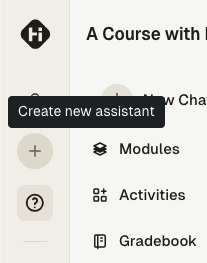
An instructor with the appropriate permissions can create a course by clicking on the Plus icon in the navigation bar:
tip
If you want to reuse an older course as the basis for a new course, you can clone the older course instead of creating a new one from scratch.
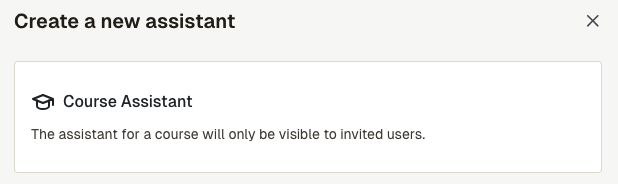
Select Course Assistant:
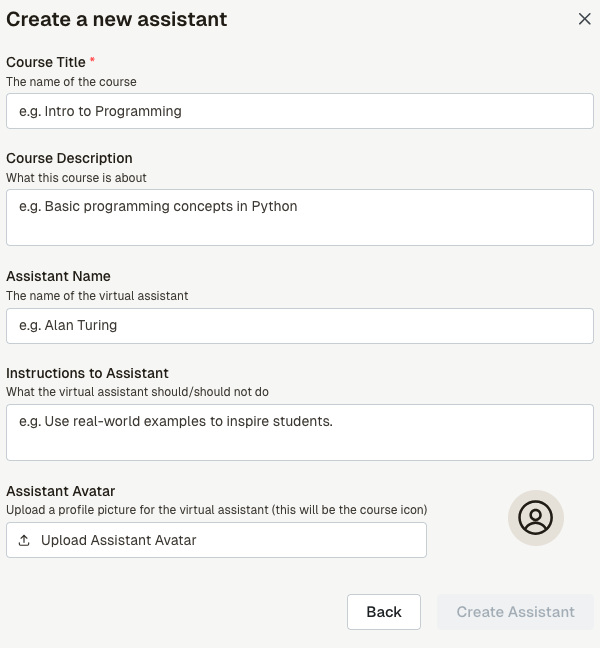
You will see the following screen: fill in your course details, then press the Create button to create the course.
Note that you can edit the course details later by going into the course metadata.
Once the course is created, you can start inviting users to the course by going to the course members page and start adding lessons to the course.